Blog
Why Using Licensed Antivirus Software Matters

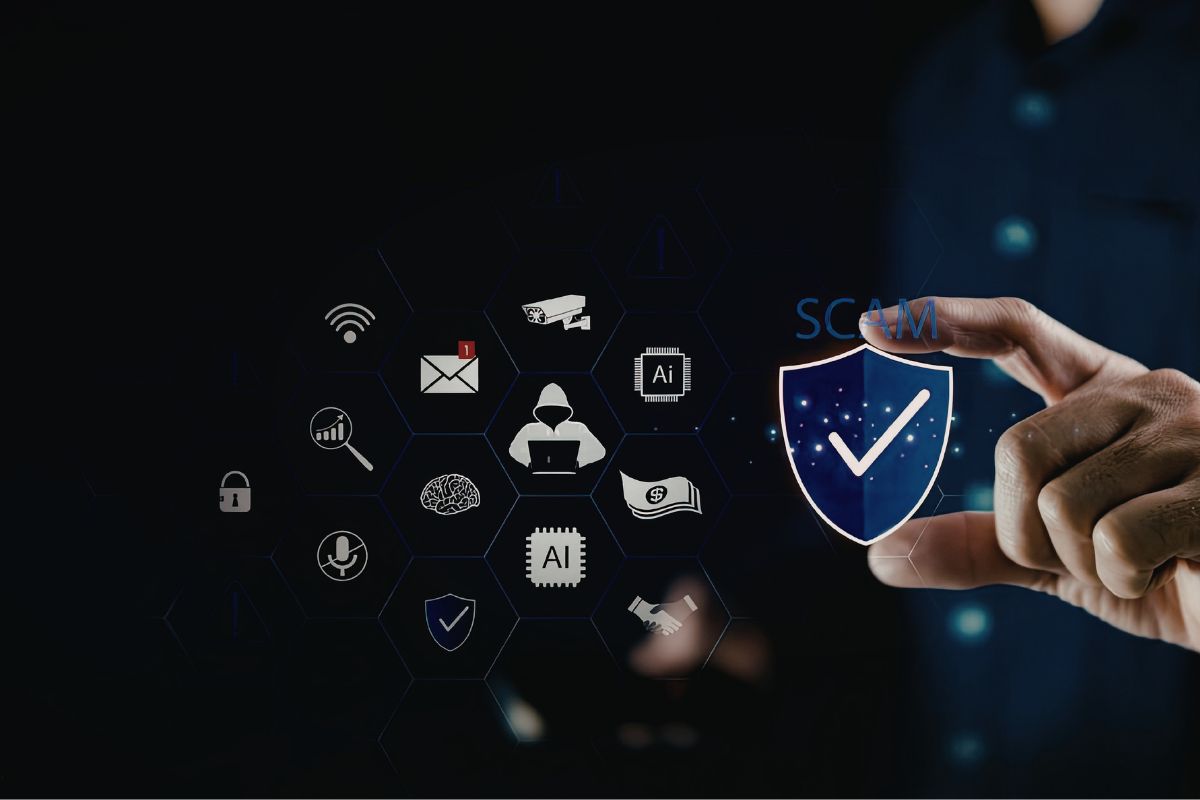
Did you know that cyberattacks hit businesses every 39 seconds? That’s over 2,000 attacks per day on average. These numbers show how real the threat is for anyone online.
Licensed antivirus software gives you full access to proven tools that keep your devices safe. It differs from free or cracked versions, which often fall short on key features. Think of buying it as a smart spend to protect what matters most.
In this article, you’ll see the weak spots in unprotected setups and how legit software steps up with strong defenses. We’ll cover risks of bad choices, better threat spotting, full protection layers, and why trust counts in support and rules.
Unpacking the Risks of Unlicensed or Outdated Security
Free antivirus tools seem like a good deal at first glance. But they leave big gaps that hackers love to use. Without full features, your files and info stay at risk.
The Vulnerability Gap in Free Solutions
Free antivirus often skips real-time checks on downloads or emails. It might not catch new tricks like fileless attacks or sneaky adware. Plus, these tools depend on basic lists of known bad files, which get old fast.
That means new threats slip through before the software updates. Users end up with infected systems without a clue. Over time, this builds up to bigger problems, like stolen passwords.
Limited Update Cycles and Delayed Threat Response
Free versions update less often, maybe once a week or less. Hackers release fresh malware daily, so you lag behind. A delay of even a day can let in ransomware that locks your photos or work files.
Paid options push updates in hours, closing holes quick. This gap shows why free feels cheap but costs more in the end. Stick with licensed to stay ahead.
The Danger of Pirated Software
Cracked antivirus comes from shady sites promising full power for free. But many pack hidden bugs like viruses or keyloggers right in the setup file. You think you’re safe, yet you’re handing over your data to crooks.
These fakes target folks looking to save cash. They spread fast on forums or torrent spots. Once installed, they run quiet, watching your every move.
Malware Hidden Within the Installer (Trojan Horse Effect)
It’s like inviting a thief into your home disguised as a friend. The cracked file looks normal but drops extra code that steals info or joins botnets. Reports show thousands fall for this each year, losing money or worse.
Clean up takes days and expert help you might not get. Licensed software avoids this trap from the start. Your peace comes from knowing it’s safe.
Real-World Impact of Successful Attacks
Think of a small shop owner who skipped paid protection. Hackers wiped their customer list, costing weeks to rebuild trust. Or picture someone hit by identity theft after a free tool missed a phishing link.
These hits go beyond lost files. They lead to drained bank accounts or job loss from bad credit. In 2025 alone, breaches cost folks billions in fixes and fines.
Businesses face shutdowns if data leaks. Personal lives shatter from stolen IDs. Real stories prove the price of cutting corners on security.
Superior Threat Detection Through Continuous Updates
Licensed antivirus shines with always-fresh info on dangers. It pulls from big networks watching threats worldwide. This setup spots issues before they hit you.
Free tools can’t match this speed or depth. They stick to basic checks that miss clever new attacks. Upgrading to paid means fewer scares and more control.
Access to Real-Time Threat Intelligence Feeds
Top vendors link to data from millions of users. They test suspicious files in safe zones called sandboxes. This catches zero-day bugs—new ones no one knew about yet.
Your device gets alerts on the spot for weird behavior. It’s not just old virus names; it’s smart watching. This edge keeps you safe in a busy online world.
Behavioral Analysis vs. Static Signature Matching
Free software hunts by matching file patterns from a set list. But smart malware changes its look to dodge that. Licensed tools watch how files act, like a guard spotting odd moves.
If something tries to tweak your settings without ask, it blocks it. This method stops threats that slip past old lists. You get protection that grows with the risks.
Proactive Patching and Zero-Day Defense
Vendors roll out fixes fast for fresh holes in software like Windows or apps. They test and send them to users right away. Free versions wait or skip these, leaving you open.
This quick action stops attacks in their tracks. Hackers lose their window when patches hit your system. Licensed means you’re not playing catch-up.
The Speed Advantage: How Quick Response Mitigates Emerging Threats
A new exploit pops up; licensed software flags it in minutes. Teams work round the clock to block it across devices. In contrast, free users wait days, risking full infection.
One fast patch saved countless from a 2025 mobile flaw. Your data stays yours when updates flow steady. This is the real value of going paid.
Comprehensive Protection Beyond Simple Virus Scanning
Licensed suites do more than scan for old viruses. They add shields for today’s tricks like fake sites or locked files. You get a full guard, not just a basic one.
This matters for daily use, from browsing to banking. Free options feel light; paid ones cover all bases. Let’s break down what sets them apart.
Advanced Malware Defense Layers
Paid tools block phishing with smart filters that check links before you click. They also fight ransomware by backing up changes or stopping encryption. If hit, some even promise recovery help.
Exploit guards stop bugs in apps from letting in bad code. These layers work together for top safety. You sleep better knowing it’s all handled.
Ransomware Mitigation and Data Recovery Guarantees
Ransomware can freeze your hard drive overnight. Licensed software spots the signs and rolls back changes. Some brands offer cash back if it fails—peace you can’t buy free.
Users in tests recovered files fast without paying crooks. This feature alone pays for the yearly fee. Protect your memories and work this way.
Performance and System Optimization
Good paid antivirus runs light, using little memory or CPU. It scans when you’re idle, so your PC flies. Free ones bog down games or video edits with constant heavy checks.
Switch to quiet modes for focus time or play. This keeps your setup smooth without slowdowns. Efficiency adds to the protection win.
Resource Management and Gaming/Work Modes
In game mode, it pauses scans to avoid lags. Work mode skips pop-ups during calls. These tweaks make security fit your life, not fight it.
Tests show paid tools use 30% less power than free rivals. Your battery lasts longer on laptops. Smart design means no trade-offs.
Multi-Device and Platform Coverage
One license often shields your phone, tablet, and computer. It works on Windows, Apple gear, Android, and more. Free apps stick to one spot, leaving gaps.
Manage all from one dashboard for easy checks. This covers your whole digital life. Value stacks up quick for families or pros.
The Business of Trust: Support, Privacy, and Licensing Compliance
Licensed software builds on solid ground with help and clear rules. You get pros to call when trouble hits. Free leaves you guessing in the dark.
Trust grows from how they handle your info and follow laws. This section shows why it pays to pick right. Compliance keeps headaches away.
Access to Dedicated Technical Support
Hit a snag? Paid users chat or call experts who fix it step by step. They guide you through tough spots like deep scans. Free means forums or luck.
This hand-holding saves hours and stress. Real help turns panic into quick wins. You’re never alone with licensed.
Expert Assistance for Critical Incidents
A big attack needs fast pros, not quick searches. Support teams trace and clean malware you can’t see. In one case, they stopped a spread to networks.
This service shines in emergencies. Your time stays on what you love, not fixes. Invest in people who know the job.
Data Privacy and Logging Policies
Paid vendors spell out what they track and why. They follow rules like GDPR to keep your habits private. Free tools might sell data to ads, even if they say no.
Clear terms mean no surprises on shares. You control what goes out. Privacy joins the safety net.
Understanding Vendor Privacy Statements
Read the fine print; good ones list no sneaky sells. They use your tips to block threats but drop personal bits. This balance protects without prying.
Choose brands with clean records. Your info stays safe in trusted hands. It’s part of the full package.
Legal and Regulatory Compliance
For work setups, laws demand up-to-date tools that log proof. Unlicensed skips this, risking big fines or lost deals. Paid tracks all for easy audits.
Standards like HIPAA guard health data tight. Fall short, and face lawsuits. Stay legal with full licenses.
Avoiding Corporate Liability and Fines
A breach from bad software hits the wallet hard. Fines run thousands per slip. Licensed covers the bases, dodging court woes.
Businesses sleep sound knowing they’re set. One audit pass saves more than the cost. Protect your rep this way.
Conclusion: Investing in Digital Peace of Mind
Licensed antivirus software delivers defenses that adapt and grow with threats. Free or cracked can’t keep up, leaving doors wide open.
The gap in costs beats any breach bill—think lost files, stolen cash, or bad name hits. A small yearly fee guards against huge pains.
To pick a solid one, check lab tests for high scores. Look for multi-layer shields and easy multi-device support. Grab a trial, read reviews, and lock in your choice today. Your digital world deserves this step up.